|
Context Help : is provided for all Control Devices. Place mouse cursor on the Control and wait 2s.
Boat, Hand Bearing and Binocular Compass are in degrees True. Boat Speed is in Knots. (0 to 20).
Boat distance Log records in Nautical Miles.
Your 3D World is a square area of 10 nautical miles in Moreton Bay Australia between Redcliffe and Moreton Island.
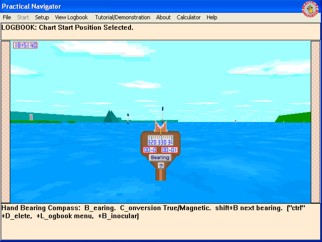
Explore this world by accelerating the Boat and Steering her using the Port and Starboard Controls. Change how you see the World by switching to the Hand Bearing Compass, Binocular and Forward view of the world.
Use the Hand Bearing Compass to obtain a bearing to a distant Navigational Aid which can be used on the Marine Chart to draw a Line of Position.
Use the Binocular's to view distant Navigational Aids or take a bearing using the inbuilt compass.
|